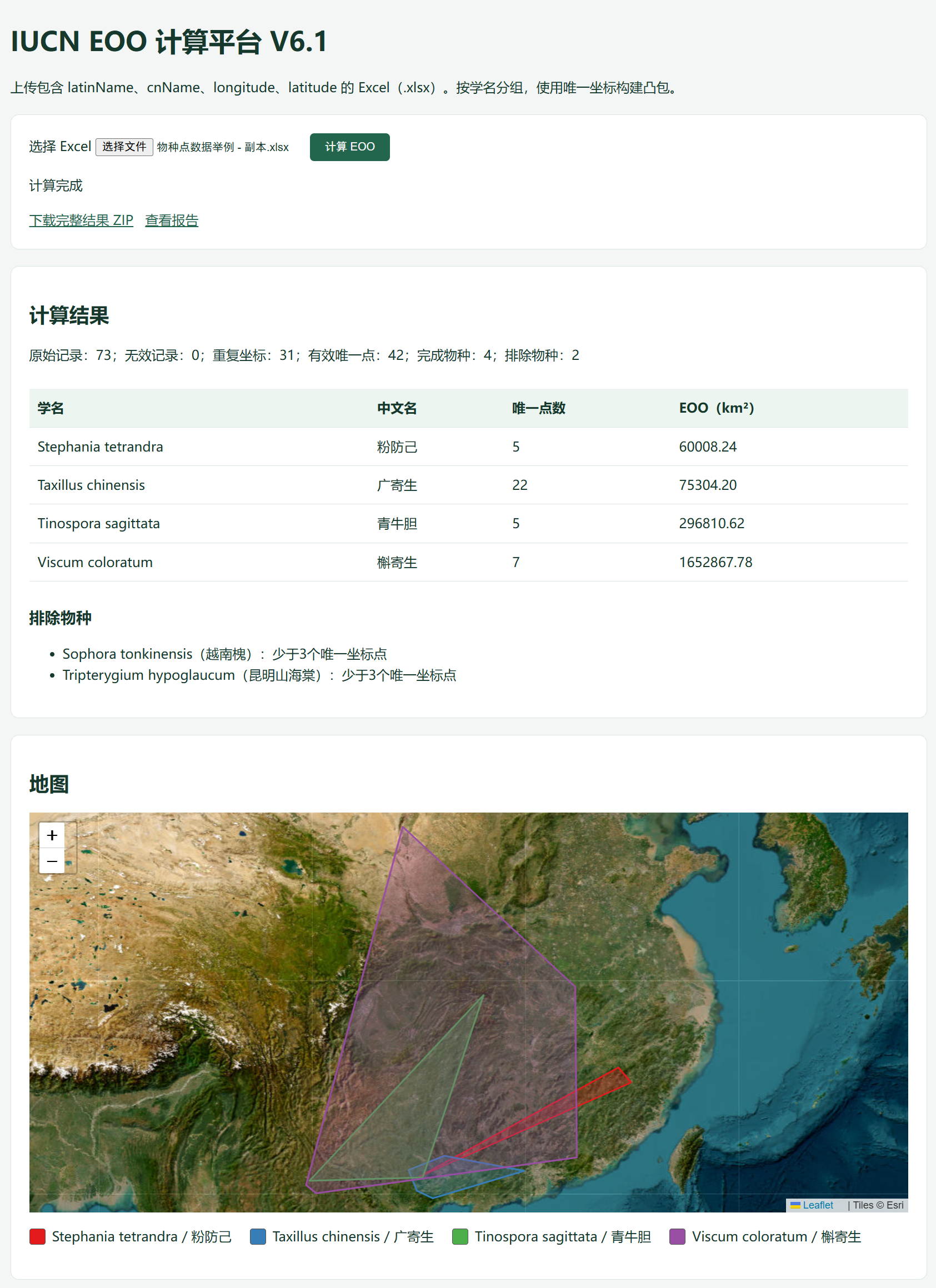
背景
我写了个IUCN计算EOO的代码,直接在miniforge运行是没有问题的,但后来直接在CMD命令行中运行,也激活了Python环境,代码如下:
@echo off
setlocal

set "EOO_PYTHON=D:\python_envs\conda_envs\llpiucn\python.exe"

cd /d "%~dp0"
if defined EOO_PYTHON (
    "%EOO_PYTHON%" "%~dp0backend\app.py"
    goto done
)
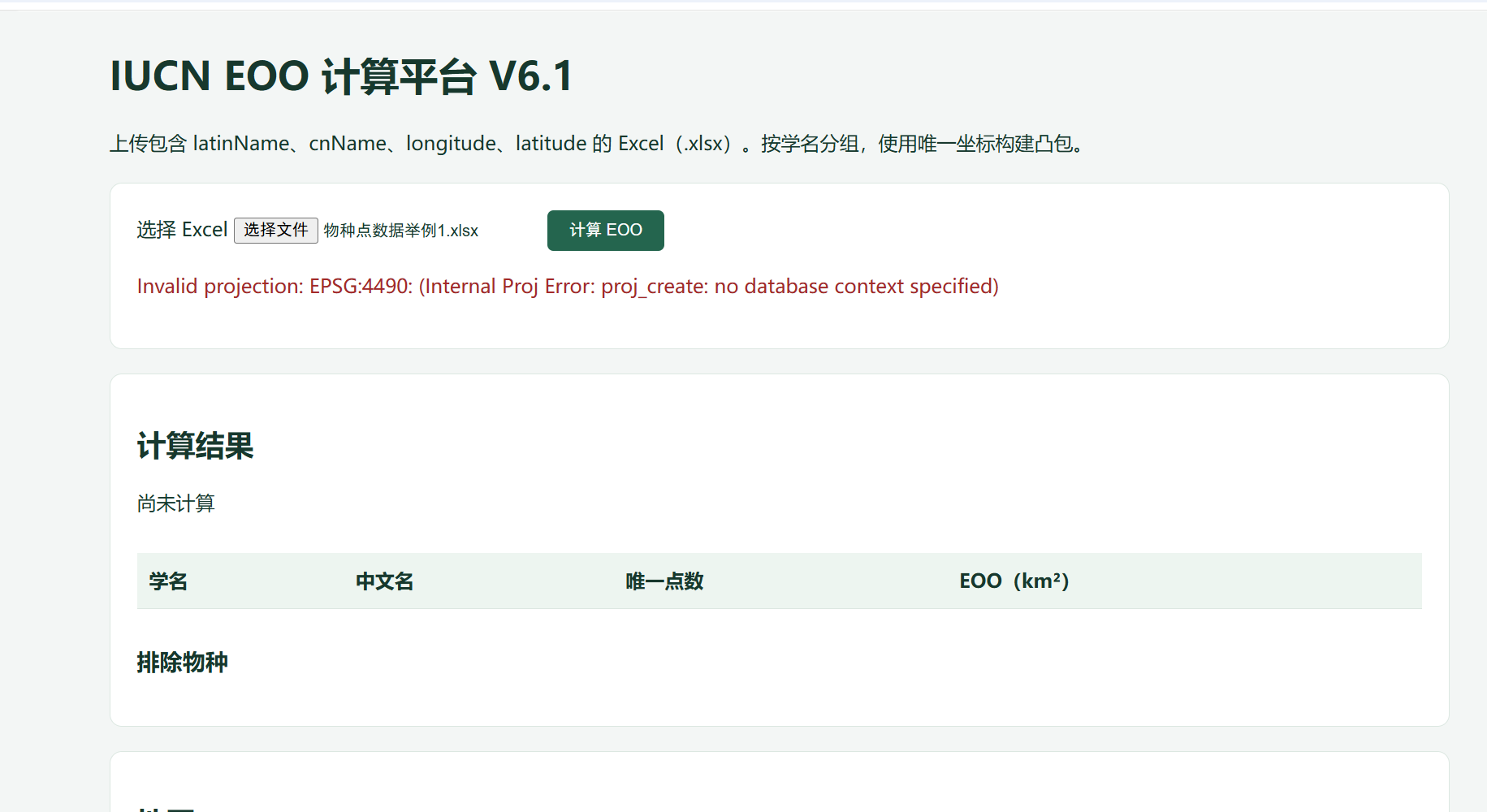
但仍然出现找不到EPSG4490的错误。Invalid projection: EPSG:4490: (Internal Proj Error: proj_create: no database context specified)
解决方法
可能以前也装了proj.dbde库,导致直接在Windows的CMD命令行中调用的不是Miniforge的库。
我选择了使用Miniforge的prompt运行start.bat。
(base) D:\python_envs\conda_envs>conda activate D:\python_envs\conda_envs\llpiucn

(D:\python_envs\conda_envs\llpiucn) D:\python_envs\conda_envs>cd M:\LLP\after20260909\EOO-Web-Windows-V6.1

(D:\python_envs\conda_envs\llpiucn) D:\python_envs\conda_envs>M:

(D:\python_envs\conda_envs\llpiucn) M:\LLP\after20260909\EOO-Web-Windows-V6.1>start.bat
 * Serving Flask app 'app'
 * Debug mode: off
WARNING: This is a development server. Do not use it in a production deployment. Use a production WSGI server instead.
 * Running on http://127.0.0.1:5000
Press CTRL+C to quit
127.0.0.1 - - [10/Oct/2026 14:05:08] "GET / HTTP/1.1" 304 -
127.0.0.1 - - [10/Oct/2026 14:05:08] "GET /static/style.css?v=6.1 HTTP/1.1" 304 -
127.0.0.1 - - [10/Oct/2026 14:05:08] "GET /static/app.js?v=6.1 HTTP/1.1" 304 -
127.0.0.1 - - [10/Oct/2026 14:05:08] "GET /api/tasks HTTP/1.1" 200 -
M:\LLP\after20260909\EOO-Web-Windows-V6.1\backend\eoo_engine.py:45: UserWarning: Column names longer than 10 characters will be truncated when saved to ESRI Shapefile.
  gdf.to_file(out / 'all_points.shp', encoding='UTF-8', engine='fiona')
127.0.0.1 - - [10/Oct/2026 14:05:26] "POST /api/upload HTTP/1.1" 200 -
127.0.0.1 - - [10/Oct/2026 14:05:26] "GET /api/geojson/20261010_140521_f11c6d2b1f2e HTTP/1.1" 200 -
127.0.0.1 - - [10/Oct/2026 14:05:26] "GET /api/tasks HTTP/1.1" 200 -